

JSM vs Atlassian Customer Service Management
Atlassian Customer Service Management is now THE tool for external customer support, not JSM. Let's look at how the two compare, and whether you should consider moving your external customers to CSM.
Summary
- Atlassian Customer Service Management (CSM) is part of the Atlassian Service Collection, which is Atlassian’s complete service management offering.
- While Jira Service Management (JSM) is best suited to delivering service to internal teams, CSM is best for external customer service.
- In the front end, CSM offers customers a better support experience, with fully customised help centres, more ways to seek help, and an AI agent better trained to handle their questions.
- In the back end, CSM offers efficiency gains: richer customer profiles, more proactive and context-aware AI, and a polished escalation process.
- If you’re using JSM for external customer service and it’s working well, great. But if you’re growing, consider moving your external support to CSM.
A new Atlassian platform for external customers
Let’s assume you’ve been using Jira Service Management (JSM) for external customer service. As Atlassian always intended you should.
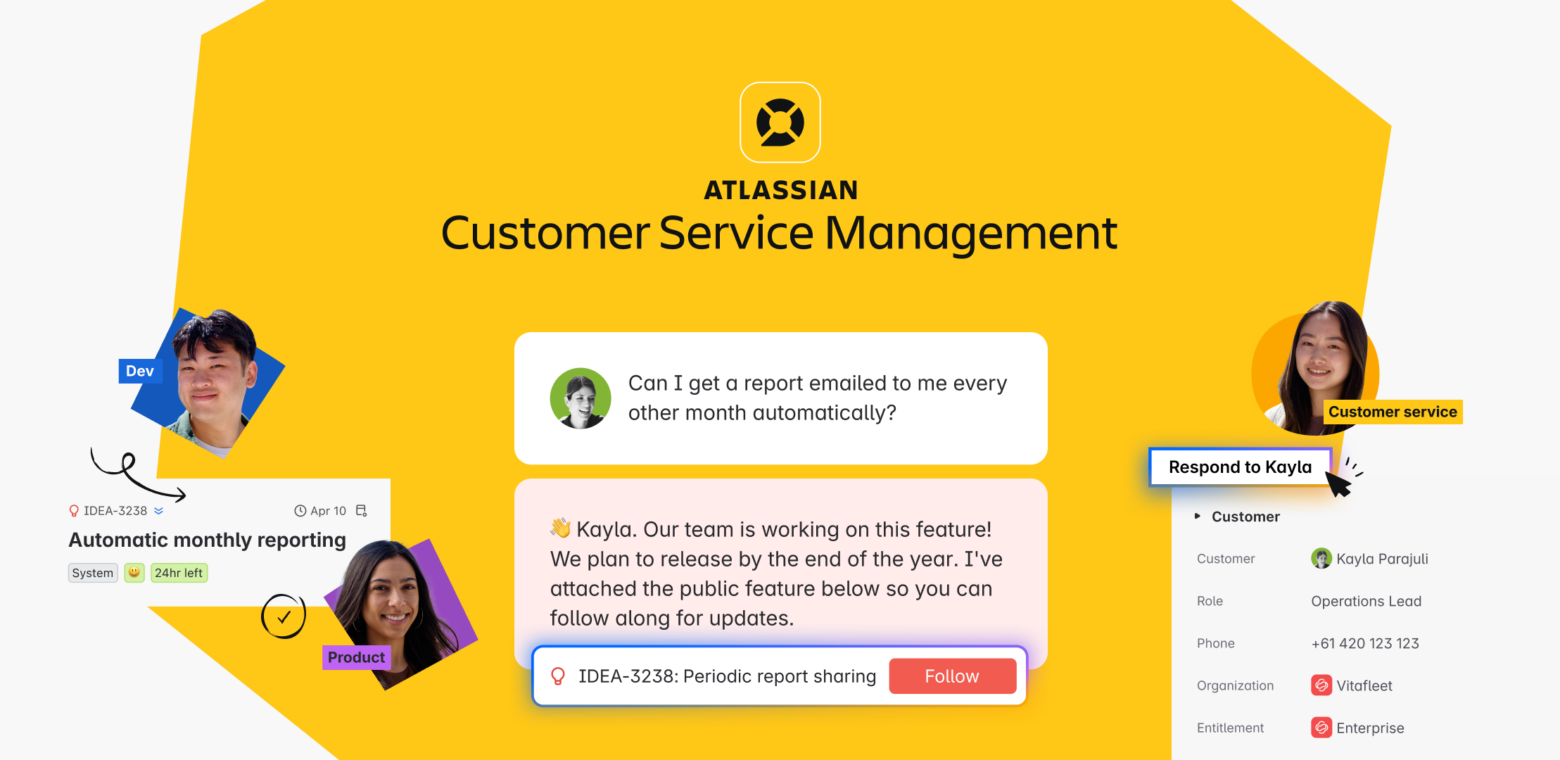
Well, now there’s a shiny new kid on the block: Atlassian Customer Service Management (CSM). A new platform dedicated to service management for external customers. It comes with JSM as part of the Atlassian Service Collection (more on this in a moment).
So the two questions you’re probably now asking are:
- What does this new app do for external customer service that JSM doesn’t?
- Should I move my external customer service management from JSM to the new tool?
In this article, we’re going to try and answer both.
What is the Atlassian Service Collection?
We went into this in more detail in our last article on the Atlassian Service Collection, but the gist is this: the Atlassian Service Collection is part of Atlassian’s strategy to bundle together their products into collections based on common use cases.
The use case for the Atlassian Service Collection is all things service management. The package combines Jira Service Management, Customer Service Management, Assets, and Rovo. It is a complete, fully AI-powered toolset for delivering service to internal teams and external customers efficiently.
The other collections are as follows:
- Atlassian Teamwork Collection (combines Jira, Confluence, Loom, and Rovo)
- Atlassian Strategy Collection (combines Jira Align, Focus, and Talent)
- Atlassian Software Collection (combines Rovo Dev, Pipelines, Bitbucket, Compass, and DX).
Both the Strategy Collection and the Service Collection can only be purchased as collections—you can’t purchase the apps individually. With the Software and Teamwork Collections, you can, although Atlassian is encouraging customers to buy the whole collection to leverage the combined strength of the apps.
In other words, you can only get Jira Service Management and Customer Service Management together. In a way, this makes sense, since Customer Service Management is really just a powerful offshoot of Jira Service Management.
Is Atlassian Customer Service Management similar to Jira Service Management?
In a lot ways, the Atlassian Customer Service Management app is very similar to Jira Service Management. This is because it is a super-powered version of the external customer service functionality that already existed in JSM.
So, CSM has a customisable help centre for customers to find or request help. In the back end is a ticketing engine and Confluence-powered knowledge base. You’ll find projects (now called spaces), queues, work item types, service level agreements (SLAs), custom fields, reports, and the ability to create knowledge base articles within the CSM interface. Like JSM, you’ll need to have a CSM-connected Confluence site for the knowledge base, but it still works with a free Confluence plan so there’s no extra cost.
JSM has all these things, so you can see that Atlassian aren’t reinventing the wheel with this new app. They’re simply making the wheel go faster and smoother. So let’s now dive in to some major differences between CSM and JSM that explain why it’s a better tool for external customer service.
How is CSM better than JSM for external customer service?
Atlassian have recognised that external customers have different needs to employees and expect a much higher level of service.
This includes frictionless support through multiple channels—email, chat, social media, voice—dealing with as few people as possible, and easy visibility of what’s going on with their requests without ‘permissions’ getting in the way. They also want the comfort of knowing that they’re dealing with the right people, i.e. strong branding.
JSM isn’t particularly strong on these points. Multi-channel support is limited, help centres and portals are difficult to tailor to specific use cases, giving customers the correct level of visibility on their requests is hard, and there are problems with the processing and formatting of emails. In addition, support agents dealing with external customers don’t always have the information they need at their fingertips, e.g. customer details, product entitlements, past interactions etc.
So, Atlassian Customer Service Management aims to build on JSM’s core functionality and remedy all these problems by injecting a ton of extra customisability and AI-powered automation.
Customer experiences
Instead of JSM’s help centres and portals, Customer Service Management offers customer experiences. These are dedicated support environments for different products, brands, or groups of customers, e.g. end customers, solution partners.

Within a customer experience, requests can go to any CSM project/space in the back end. Alternatively you can also link the same space to different customer experiences. This is more flexible than JSM’s portals, which are tied to specific projects so that all requests go to the same team. If an agent needs a different team to handle the request, they’d have to route it manually. In CSM, different types of requests can be routed automatically to the teams best placed to handle them.
Customer experiences are also much more customisable. You can personalise everything, from the articles and forms customers use, to the channels they can access, to the branding they see. You can also customise the AI agent who helps them.

Omnichannel support
JSM offers limited contact options for customers to seek help, whereas CSM has omnichannel support built in. This is because Atlassian have realised that external customers use all kinds of ways to get in contact.
So, with CSM, customers can submit requests by email, live chat, web, or phone. There is an AI widget that can be embedded wherever you think your customers might seek support, e.g. a web page or social media profile. CSM also has an integration with Amazon Connect that lets agents receive, route, and log voice calls within CSM, instead of switching between separate phone and service tools.
Customer profiles
CSM enables support teams to create more extensive and detailed profiles for customers and customer organisations than JSM. In CSM, each customer/organisation has a dedicated profile page with contact information, custom fields, product or service entitlements, a list of all their support requests, and internal notes. This gives the AI agent (more on this below) much richer customer context when answering questions.
AI agent
The AI agent that comes with CSM is a more powerful version of the one that comes with JSM. The JSM agent can detect and resolve specific questions and problems (called intents) and generate answers from linked knowledge bases. But the CSM agent can draw on both linked knowledge bases and public websites to provide responses. It can also follow set guidance on how to behave in a given set of circumstances.
In addition, you can set up actions for the CSM agent to perform, test the agent before deploying it, control changes with versioning, review its conversations, and configure seamless handoffs to real support agents. It also has a customisable identity.

Should I keep using JSM for external customer service?
In 2023, Atlassian said that a quarter of customers were using JSM for external customer service. If you’re one of them, and it’s working just fine for your organisation, that’s great.
But if your organisation and your customer base are growing, then it may be better to move your external customer service to Atlassian’s new app. JSM has constraints when it comes to external customer service, making it harder for agents to deliver frictionless support. And the risk is much higher if external customers don’t get the service they expect, because they could switch vendors, decline additional purchases, or leave a bad review. All outcomes directly affect top-line revenue.
Atlassian are no longer recommending JSM for external customer service, and have removed the JSM customer service management project template. All links to the template are now redirecting to the new Atlassian Customer Service Management product. Atlassian are determined to impress on us all how much better CSM is.
And for customer-facing support, it absolutely is. Customers can get the help they need fast, in the exact form they want it, from a more useful, approachable, and powerful help centre. Agents are able to handle requests with full customer context at their fingertips, and benefit from the right requests being automatically routed to the right teams. And both customers and agents are fully supported by an AI that serves as a proactive partner in every customer interaction.
If you’re looking to implement Atlassian Customer Service Management, we can help. Togetha can handle everything for you, from deploying the tool to integrating it with your systems to supporting you afterwards.

